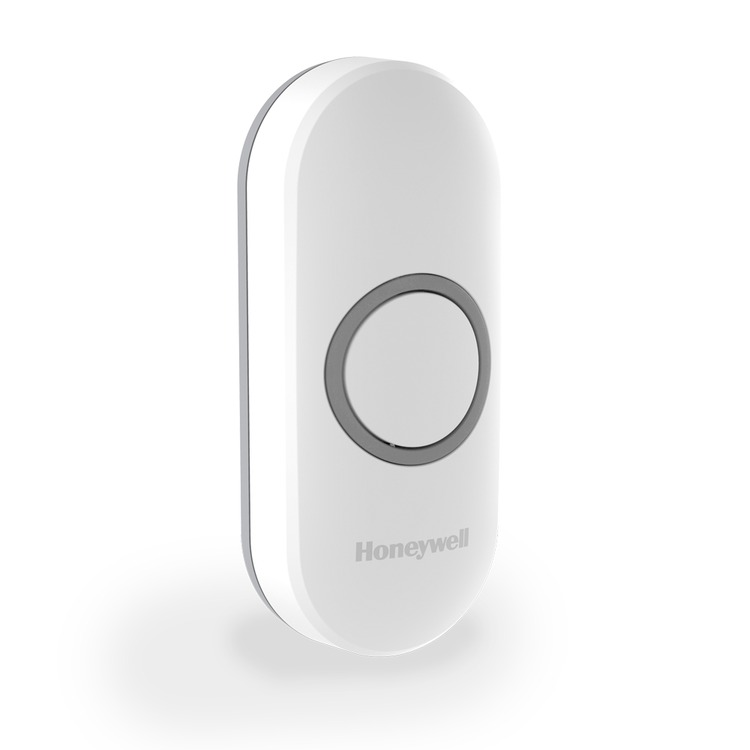
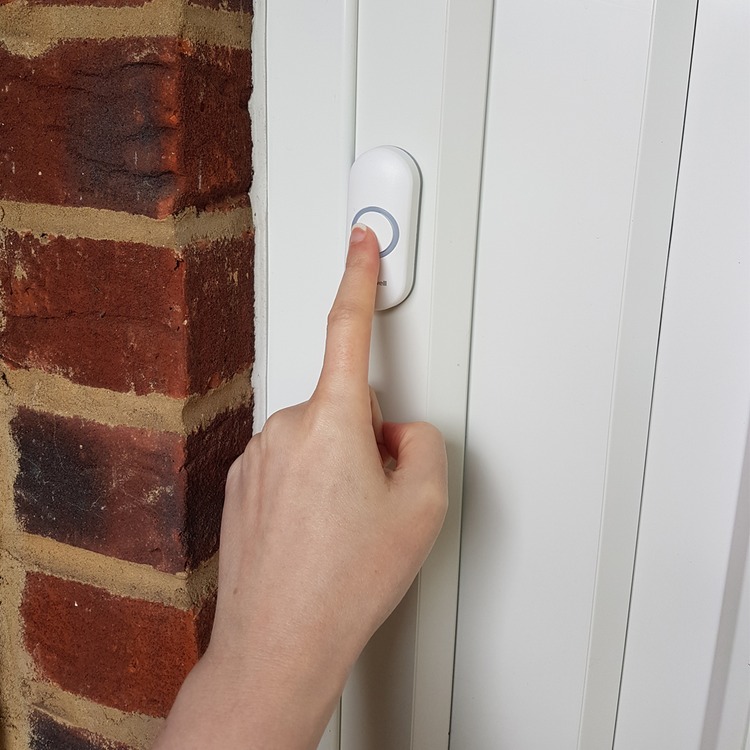
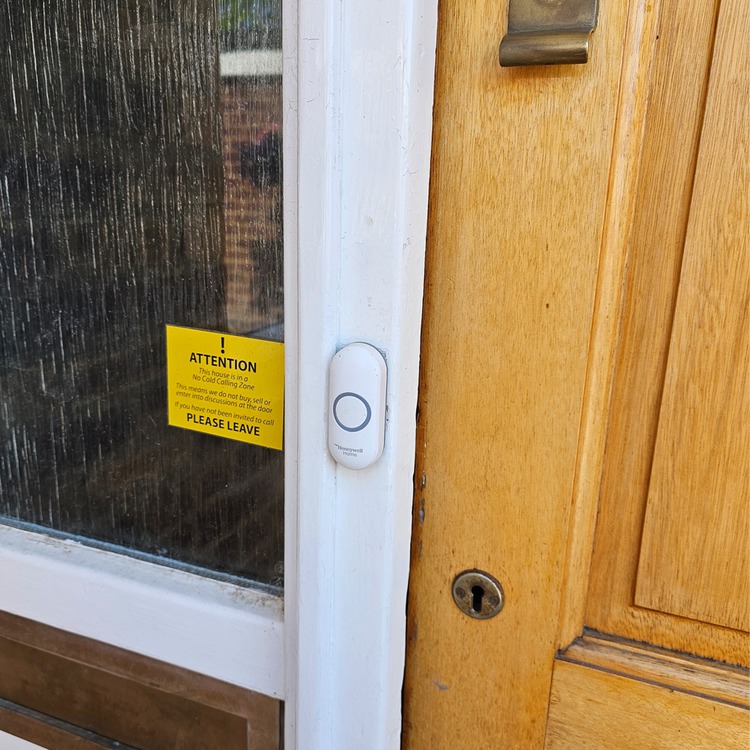
Honeywell DCP311 White Wireless push button with LED confidence light – Portrait
Code: 42HP311
Quantity Pricing
-
VAT
Choose quantity
Order now for next working day dispatch.
Description
Available in White (Grey is no longer available) the Honeywell DCP311 wireless push button combines great functionality with a best in class design.
Designed for use with the Honeywell Series 3, 5 & 9 doorbells.
Peace of mind
Peace of mind for visitors, thanks to a LED confidence light
on the push button, and peace of mind for you, thanks to the Secret
Knock function which plays a different melody, so you know if it's
a family member or friend at the door.
Easy To Install
All Honeywell push buttons and accessories are easy
to install, with optional screw-free installation and an easy open
battery compartment so you can be set up in minutes.
Pack contents:
1 x Wireless Push Button,1 x CR2032 (3V) Battery,1 x Quick
Start Guide, 1 x Safety & Guarantee, 1 x Declaration of
Conformity
Please note, this bell push is compatible with the previous Libra+ range from Friedland.
Details
Wireless Push Button
Colour: White or grey
Wall mounted option: Yes
Frequency: 868Mhz
Wireless Range (m)*: 200
Low Battery Indicator: Yes
Push Button Design: Portrait
Confidence Light: Yes
Battery Specification: 1 x CR2032 (3V)
Battery Life (Years): 2
IP Rating: IP55
Name Plate: No
Dimensions (mm) / Weight (g): 30 (h) x 70 (w) x 16
(d) / 23.5 (g)
Fixings: Brackets / Screws / Rawl Plugs
- To setup a general melody and colour, press the push button ONCE and then select the music note button on the chime for melodies and the light button on the chime for colours.
- To setup a melody and colour for the secret knock function, you must press the push button three times in quick succession then press either the music note button on the chime to select the melody and press the light button on the chome to choose a preferred colour option.
- Then all you need to do is inform your family or friends of the secret knock sequence (pressing the push button quickly three times). This will alert you with a different melody and halo light giving you extra piece of mind and security that someone you know is at the door.
* Measured in open field conditions, walls, ceilings and metal structures will reduce the maximum range.
Help Centre
Clck here to view PDF Datasheet (White)
Click here to view PDF Datasheet (Grey)
Instructions for pairing with old Libra+
doorchimes:
1 Press and hold the button with the white dot. Each icon will light in turn.
2 When the icon you want is lit release the button.
3 While the icon you have selected is lit press the bellpush. The chine will sound and the icon will flash.





